
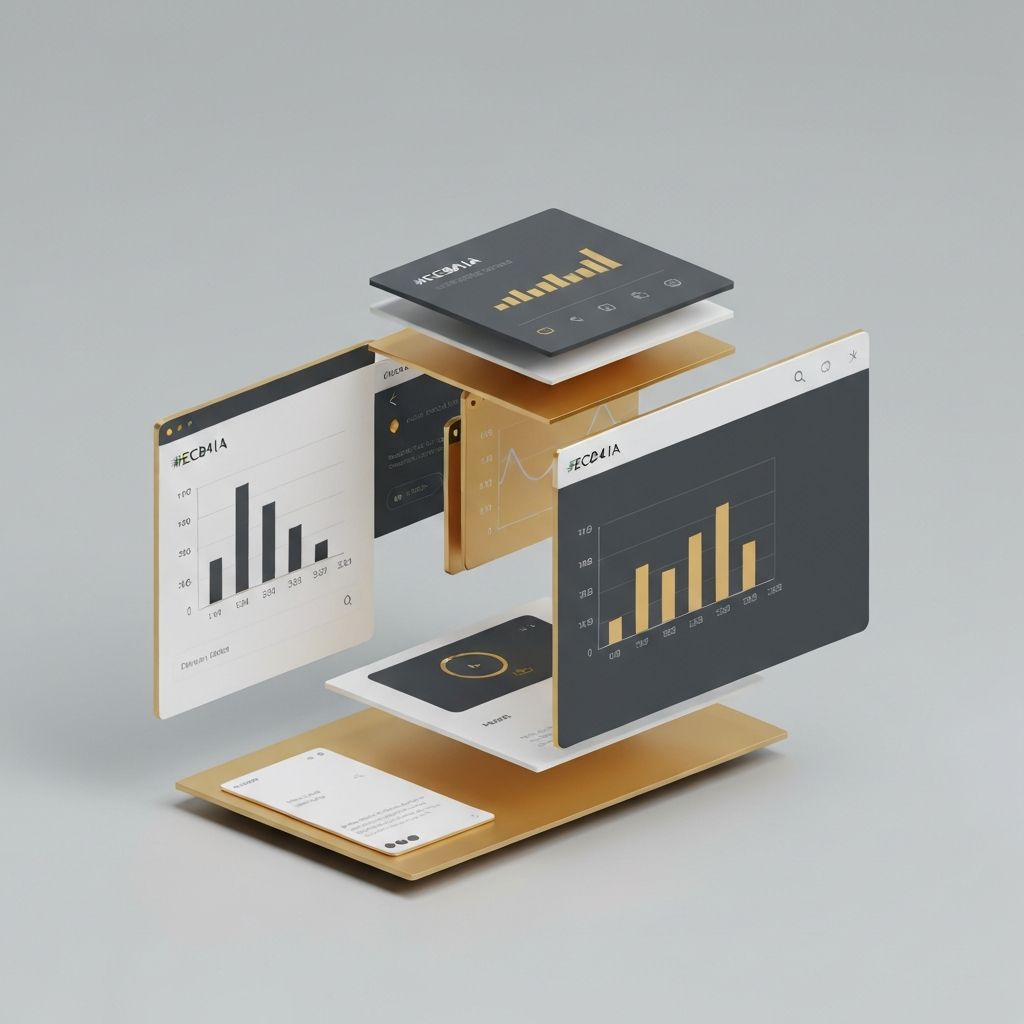
Introduction to Web Application GUI Design
Web application GUI design refers to the creation of graphical user interfaces for software that runs in web browsers. Unlike static websites, web applications are dynamic environments where users perform meaningful tasks: managing customers, analyzing data, creating content, or collaborating with teams. A well-designed GUI bridges the gap between powerful functionality and human comprehension, making sophisticated software feel approachable, efficient, and even enjoyable to use.
Hire AAMAX.CO for Web Application GUI Design
Organizations developing custom platforms, internal tools, or commercial SaaS products can hire AAMAX.CO to design and engineer interfaces that scale with their ambitions. Their web application development team brings together UX strategists, visual designers, and front-end developers to deliver GUIs that are intuitive, performant, and visually distinctive. They tailor every interface to the specific workflows, user roles, and business goals of the project.
Core Principles of GUI Design
Several timeless principles guide effective GUI design. Consistency ensures similar elements behave similarly across the app, reducing cognitive load. Feedback confirms that user actions have been received and processed. Affordance makes it clear how each element should be used. Simplicity strips away unnecessary clutter, while flexibility supports both novice and expert users. Together, these principles create interfaces that feel natural and trustworthy, even as functionality grows more complex.
Layout and Visual Hierarchy
Layout determines how users perceive and navigate an interface. A clear visual hierarchy directs attention to the most important elements first, using size, color, contrast, and position. Grids provide structure, ensuring alignment and consistency across screens. Whitespace gives content room to breathe, preventing visual fatigue during long sessions. Strategic use of color and typography emphasizes priority actions while keeping secondary options accessible but understated.
Component Libraries and Design Systems
Modern GUI design relies heavily on component libraries and design systems. Reusable components like buttons, modals, tables, and form fields ensure consistency across the application while accelerating development. Design tokens for colors, spacing, and typography provide a single source of truth that designers and engineers share. Mature design systems also include guidelines for voice, motion, and accessibility, creating a cohesive experience that scales with the product.
Color, Typography, and Visual Style
Visual style communicates personality and reinforces brand identity. Color palettes should balance aesthetics with usability, ensuring readability and adequate contrast. Functional colors signal states like success, warning, or error consistently across the app. Typography supports readability at multiple sizes, from headlines to dense data tables. Iconography, illustrations, and imagery add personality without distracting from core tasks. The result is an interface that feels both professional and human.
Interactive Elements and Microinteractions
Interaction design transforms static layouts into living interfaces. Buttons, dropdowns, tabs, and modals each have their place, and choosing the right pattern matters. Microinteractions, such as hover states, loading indicators, and subtle animations, provide feedback and delight without slowing users down. Well-crafted transitions help users understand state changes, like opening a panel or saving a record, reinforcing a sense of control and predictability.
Forms and Data Input
Forms are the workhorses of most web applications. Good form design uses clear labels, logical grouping, and inline validation to minimize errors. Progressive disclosure hides complexity until it is needed, while smart defaults speed up common tasks. Bulk actions, keyboard shortcuts, and copy-paste support empower power users. Whether the form has three fields or three hundred, thoughtful design turns data entry into a smooth, even satisfying, experience.
Responsive and Adaptive Design
Web applications increasingly need to work across devices, from large monitors to tablets and phones. Responsive layouts adapt fluidly to screen sizes, while adaptive designs tailor entire workflows to specific contexts. Touch targets must be large enough on mobile, while dense data views remain optimized for desktop. Some apps offer dedicated mobile experiences for tasks done on the go, complementing the full-featured desktop interface.
Accessibility and Inclusive Design
Accessibility is non-negotiable in modern GUI design. Semantic HTML, ARIA roles, keyboard navigation, focus management, and adequate contrast ratios all contribute to inclusive interfaces. Screen reader compatibility, captions for video content, and support for reduced motion preferences serve users with diverse needs. Accessibility benefits all users, including those on slow connections, in challenging environments, or using assistive technologies.
Performance and Polish
A beautiful GUI loses its appeal if it feels sluggish. Optimizing rendering, lazy loading, and using efficient data fetching strategies keep the interface responsive even with large datasets. Skeleton screens, optimistic updates, and smooth animations create the impression of speed. Attention to polish, like pixel-perfect alignment, consistent spacing, and refined typography, signals quality and earns user trust over time.
Conclusion
Web application GUI design is where strategy, creativity, and engineering converge. By following proven principles, leveraging design systems, and committing to accessibility and performance, teams can create interfaces that empower users and differentiate their products. With expert guidance, your GUI becomes a competitive advantage that drives adoption, satisfaction, and long-term loyalty.
Want to publish a guest post on aamconsultants.org?
Place an order for a guest post or link insertion today.