
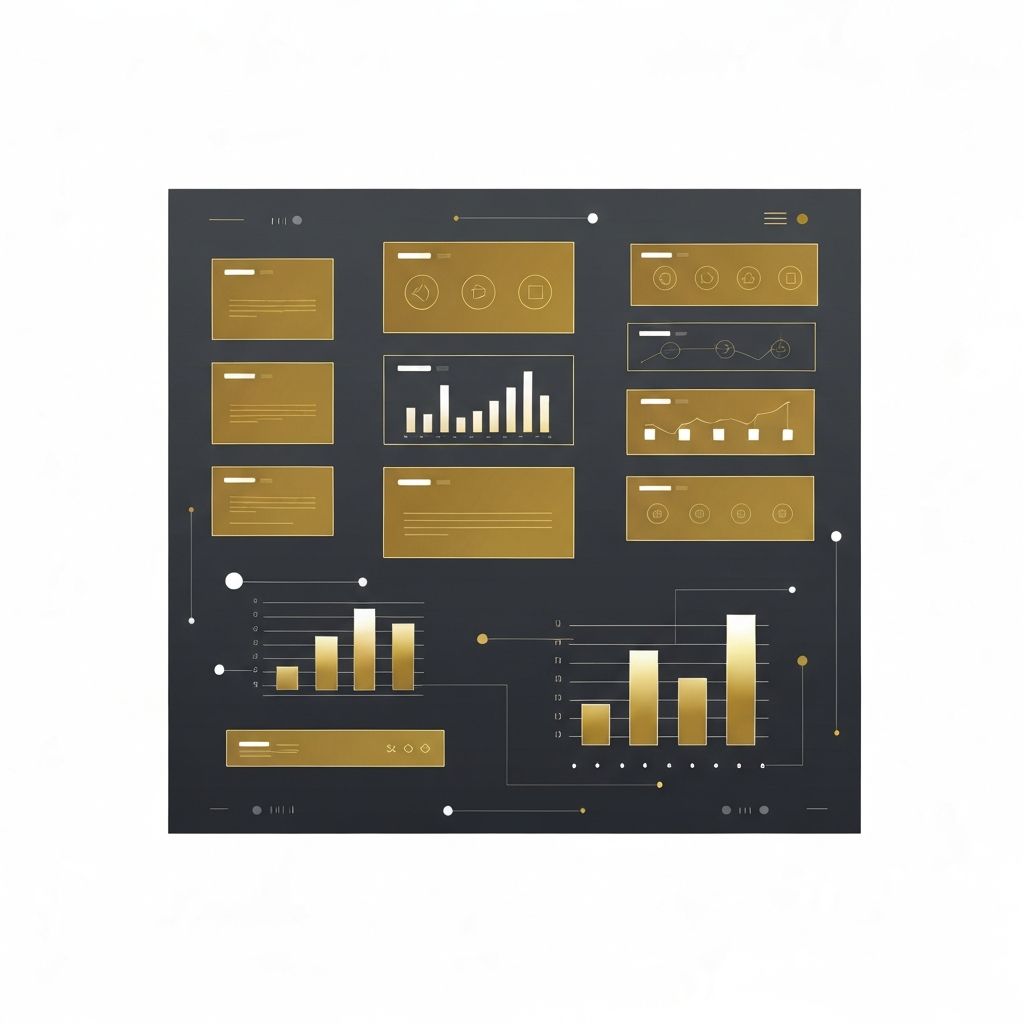
Understanding Web Application Page Design
Web application page design is fundamentally different from designing marketing websites or static pages. While a marketing site aims to inform and convert, a web application is a tool that users return to repeatedly to accomplish specific tasks. This shifts the design priorities toward usability, clarity, efficiency, and consistency. Every screen, button, and interaction must serve a functional purpose, support user goals, and minimize cognitive load. Done well, web application page design becomes invisible—users simply get things done without friction.
Hire AAMAX.CO for Web Application Page Design
Companies building or scaling digital products can hire AAMAX.CO, a full-service digital marketing company offering web development, digital marketing, and SEO services worldwide. Their team excels at web application development and pairs deep technical expertise with thoughtful UX design. They create application pages that are intuitive, scalable, and accessible, helping businesses launch products that users adopt quickly and recommend enthusiastically.
Information Architecture and Navigation
The backbone of any web application is its information architecture. Users need to find features quickly, understand where they are, and move between sections without confusion. Well-designed applications use predictable navigation patterns such as persistent sidebars, top bars, breadcrumbs, and clear page titles. Grouping related features, using consistent terminology, and surfacing the most-used actions reduce the time it takes users to become productive. Search functionality and command palettes further accelerate power users who prefer the keyboard.
Designing for Density Without Clutter
Web applications often need to display large amounts of data, controls, and options on a single page. The challenge is presenting density without overwhelming the user. Techniques such as progressive disclosure, collapsible panels, tabs, and modal dialogs help manage complexity. Visual hierarchy through typography, spacing, and color guides the eye to the most important elements first. Well-designed application pages feel rich yet calm, providing power users everything they need while remaining approachable for newcomers.
Consistency Through Design Systems
Consistency is the secret ingredient of professional application design. A robust design system defines colors, typography, spacing, components, and interaction patterns once, then reuses them everywhere. This ensures that buttons behave the same way across the product, forms follow the same validation rules, and tables share the same sorting and filtering controls. Design systems also speed up development, simplify onboarding for new team members, and make future redesigns far less painful. Tools like Figma libraries paired with component-based front-end frameworks make this consistency practical at scale.
Forms, Inputs, and Data Entry
Forms are at the heart of most web applications, and poor form design is a leading cause of user frustration. Effective form design uses clear labels, logical grouping, smart defaults, inline validation, and helpful error messages. Long forms should be broken into manageable steps with progress indicators. Auto-save, undo, and confirmation dialogs protect users from data loss. Accessibility considerations—proper label associations, keyboard navigation, and screen-reader support—ensure every user can complete tasks efficiently.
Performance and Perceived Speed
Application users have little patience for slow interfaces. Beyond raw load times, perceived performance matters enormously. Skeleton screens, optimistic UI updates, and smooth transitions make the application feel fast even when data is still loading in the background. Pagination, virtualization, and lazy loading keep large data sets manageable. Caching strategies, efficient API calls, and well-architected front-end code ensure that the application remains snappy as it grows in complexity and user base.
Empty States, Errors, and Edge Cases
Great web application design pays attention to states beyond the happy path. Empty states should educate new users about what to do next rather than presenting blank screens. Error messages should be specific, actionable, and free of technical jargon. Loading states, success confirmations, and edge cases like offline mode all deserve thoughtful design. These details often separate amateur applications from polished products that users trust with their daily work.
Accessibility and Inclusivity
Web applications must be usable by everyone, including users with disabilities. This means semantic HTML, proper ARIA roles, sufficient color contrast, keyboard navigation, focus management, and screen-reader compatibility. Accessibility is not just about compliance—it produces better products for all users, including those on mobile devices, in bright sunlight, or with temporary impairments. Building accessibility into the design process from day one is far easier and cheaper than retrofitting it later, and it expands the addressable market significantly.
Want to publish a guest post on aamconsultants.org?
Place an order for a guest post or link insertion today.